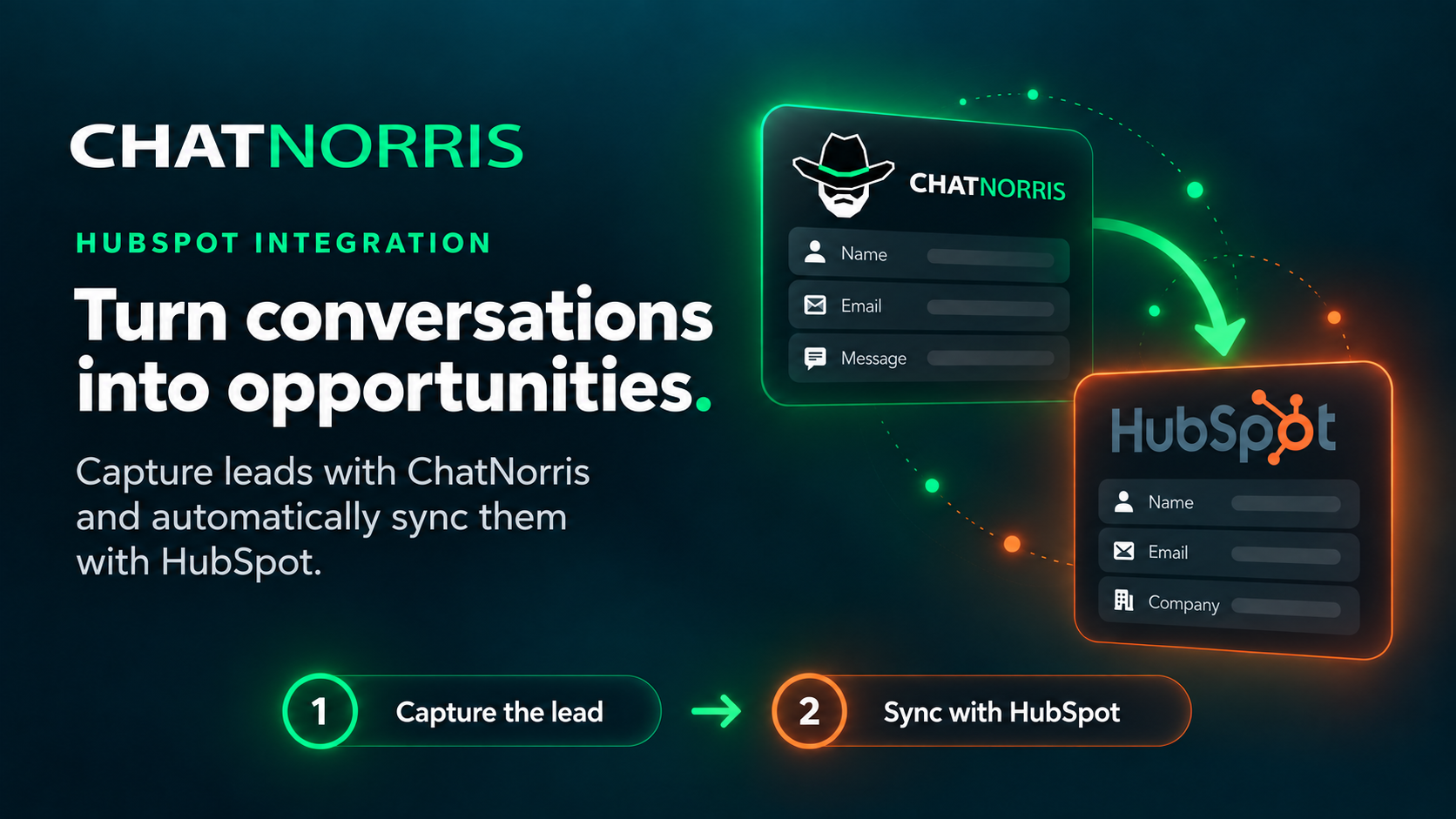
If your sales team lives inside HubSpot, you know the problem: your website chat captures valuable conversations, but those visitors' details sit in another tool until someone copies them into the CRM by hand. ChatNorris now connects directly to HubSpot: as soon as a visitor confirms their email (and their name or phone, if they shared them), your AI agent records them as a contact in your account, ready for sales to follow up.
And while we're at it: ChatNorris doesn't integrate with HubSpot. HubSpot integrates with ChatNorris.
Why this saves you real work
A lead who writes on WhatsApp at eleven at night shouldn't depend on someone entering them into the CRM the next day, or on that someone remembering. Every manual step between the chat and your CRM is a place where data arrives late, arrives incomplete, or doesn't arrive at all.
With the integration, the contact shows up in HubSpot on its own, no matter which channel the conversation came from: web widget, WhatsApp, Instagram, Telegram, Messenger, or email.
How to connect your HubSpot account to ChatNorris
You don't need to install an app or go through any marketplace. From your agent's Integrations hub:
- Create a Service Key in your HubSpot account (Development → Keys → Service Keys) with permission to read and write contacts, companies and leads.
- Copy its Access Token.
- Paste it into ChatNorris and you're done.
ChatNorris validates the token against your real HubSpot when you save it, so you know right away whether it works before turning anything on.
Every confirmed lead becomes a contact
When a visitor confirms their details during the conversation, ChatNorris creates the contact in HubSpot with their email, name, and phone. If that email already exists in your CRM, the contact is updated instead of duplicated: for example, if the visitor gives their phone number later in the same conversation, that detail is added to the contact that was already created.
Only details the visitor explicitly confirmed are synced, and only when there's an email, which is what prevents duplicate or unidentified contacts.
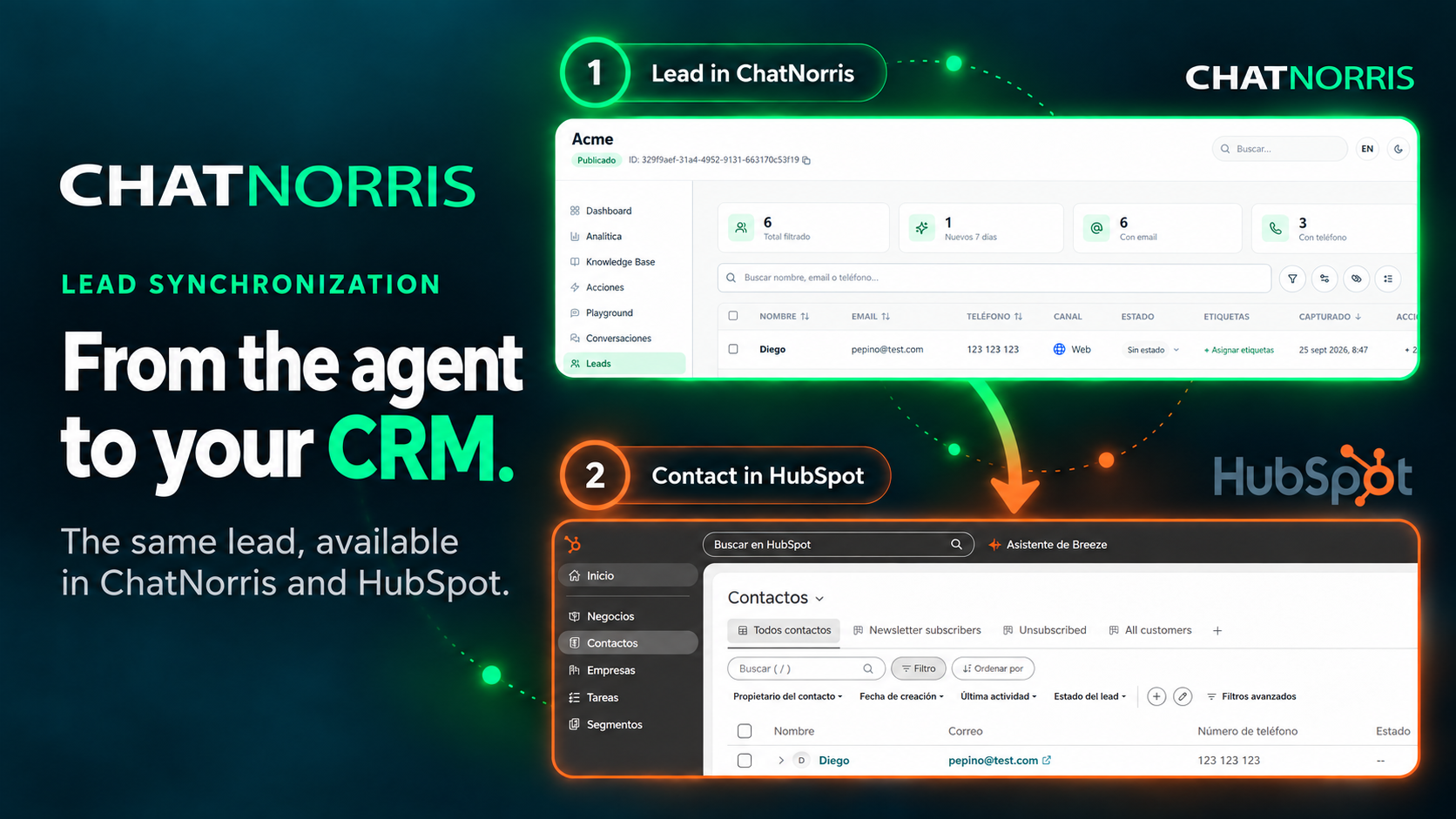
Connecting and syncing are independent
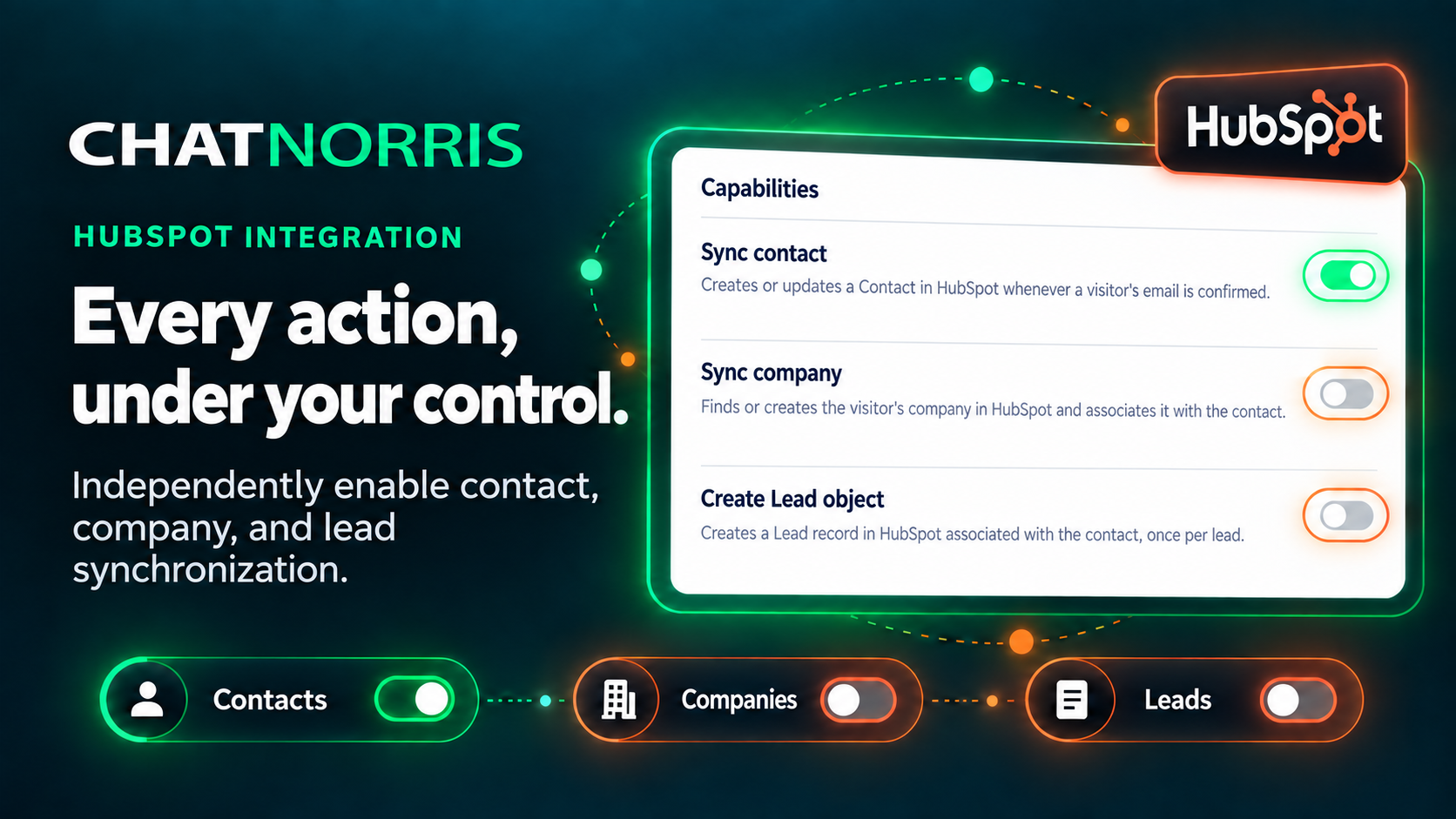
You can connect your HubSpot account and decide later whether you want the agent to sync leads: syncing is turned on with a toggle inside your agent's HubSpot action, and it can only be switched on if an account is connected. If you disconnect HubSpot, syncing turns itself off, so you never end up with an active action pointing at an account that no longer exists.
Availability and plans
The HubSpot integration is included in the Standard and Premium plans. You can review the details of each plan on our pricing page.
Contacts synced from every conversation, with nothing to copy by hand: set it up in minutes from the integrations hub.
Start for freeIn short
ChatNorris no longer just captures leads: it now puts them where your sales team works. If you use HubSpot and you're evaluating an AI agent to handle web, WhatsApp, or Instagram conversations, this integration closes the step that gets lost most often between the conversation and the CRM. You can see the rest of our integrations or start for free to try it.