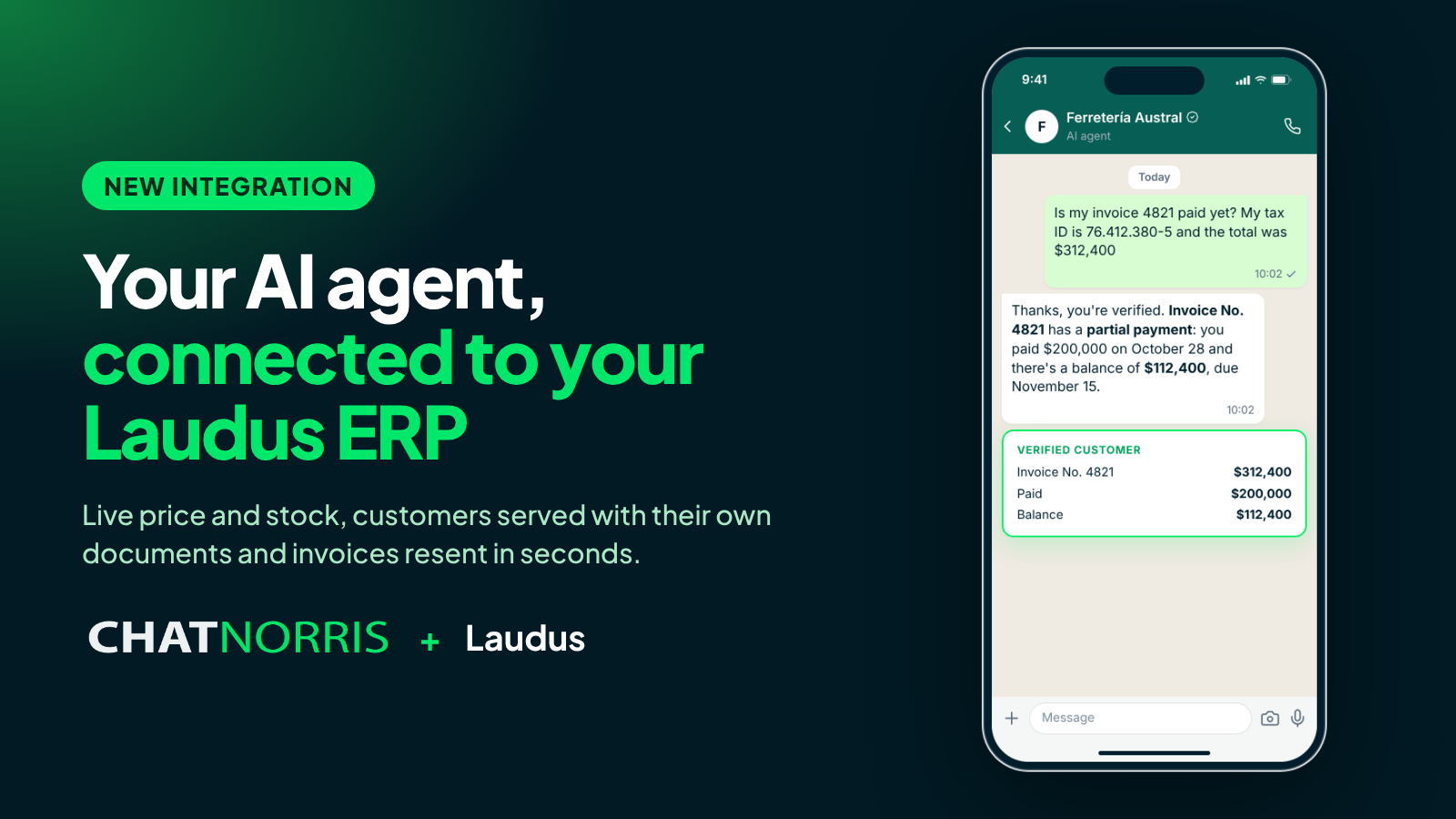
For a company that runs on Laudus, almost every customer question has its answer in the ERP: how much is it? Is it in stock? Is my invoice paid? When does my order ship? Can you resend my receipt? Until now, answering meant someone on the team opening Laudus, looking up the customer or the product and copying the answer. Over and over, and only during office hours.
Starting today, your ChatNorris agent checks Laudus for you, on your website, WhatsApp, Instagram and the rest of your channels, at any hour.
Live price and stock
When a visitor asks about a product, the agent finds it in Laudus by name or SKU and answers with the current sales price and stock:
- Laudus calculates the price, using the price list you choose (or the product's base price), taxes included. The agent never makes up or rounds a price.
- Stock comes from the warehouses you choose, or the product's total.
- Nothing is stored: every answer is checked on the spot, so a price change in Laudus shows up in the very next conversation.
Your catalog can also be part of the agent's knowledge base: each product's name, SKU, category and unit, synced every day. That way the agent finds the right product even when the customer describes it in their own words.
Customer service, with their own documents
Most questions from customers who already bought are about their documents. With the integration, the agent answers them directly:
- Outstanding balance: how much they owe, how much is overdue and how much is upcoming.
- Payment status: whether an invoice is paid, with the recorded payments and the balance.
- Shipping: date, carrier, district and dispatch guides for a document.
- Detail: which products and quantities an invoice or receipt includes.
Create your agent, connect your Laudus company with the API user and choose what the agent answers.
Start for freeYour customers' data, protected
Before sharing any data, the agent verifies that the person writing is the customer: it asks for their RUT and a second detail you choose, such as the number and amount of one of their invoices or the email registered in Laudus. Once verified, for 30 minutes they can ask everything without repeating their details.
If anything doesn't match, the agent always gives the same answer, without saying which detail failed, so nobody can guess RUTs or document numbers. After several failed attempts, the conversation stops looking up documents.
Invoices and receipts resent, hands-free
Lost an invoice? The agent shows the customer the documents email registered in Laudus, masked, and asks whether to resend it there. With an explicit "yes", Laudus sends the document with its PDF. It always goes to the registered email, never another one, and you decide how many resends are allowed per conversation and per day.
Your leads, as customers in Laudus
When a visitor leaves their details in the chat, the agent can create them as a customer in Laudus: if one with that email already exists, it links them; if not, it creates them with their name, email and phone. Your sales team finds them in the ERP without copying anything, and ChatNorris never changes an existing customer.
How to connect
- In Laudus, create an API user with the permissions you'll use.
- In ChatNorris, open your agent's Integrations, choose Laudus and enter the company RUT, the user and the password. ChatNorris validates the details before saving them, and the password is stored encrypted.
- Create the Laudus Action and turn on what you want: each capability is a switch.
- Optionally, add your catalog under Knowledge Base.
The step-by-step guide is in the Laudus guide.
Availability
The Laudus integration is included in the Premium plan, alongside our other ERP integrations, Odoo and Bsale. You can connect it in minutes from the Laudus card in your agent's Integrations.
In short
Your ERP already has the answers. With ChatNorris and Laudus, your agent delivers them in seconds: up-to-date prices and stock, customers served with their own documents and invoices resent without anyone on the team stepping in.