A negative review hurts, but the reply usually matters more than the review. Whoever reads your Google profile does not only see the complaint: they see how you reacted. A calm, specific reply can turn a bad review into proof that someone is in charge.
This guide sums up what works, what to avoid and how to let a tool help you without saying too much.
Why reply
- Future customers read it. Your reply stays public under the review.
- It shows the business is active. A profile with answered reviews signals attention.
- It gives your side. Without arguing, you can clarify what happened and what you will do.
- It helps local SEO. Google recommends replying to reviews as part of keeping your Business Profile up to date.
How to reply to a complaint, step by step
- Thank them and use their name, if they signed it.
- Acknowledge what happened without excuses. "We're sorry the wait was so long" works better than "we were short-staffed that day".
- Be specific. If the review mentions something concrete (a cold dish, a late delivery), name it. Generic replies show.
- Take it private. Offer an email or WhatsApp to sort it out. Details belong there, not in public.
- Sign it. A name or "The [your business] team" makes it human.
- Keep it short. Two to four sentences are enough.
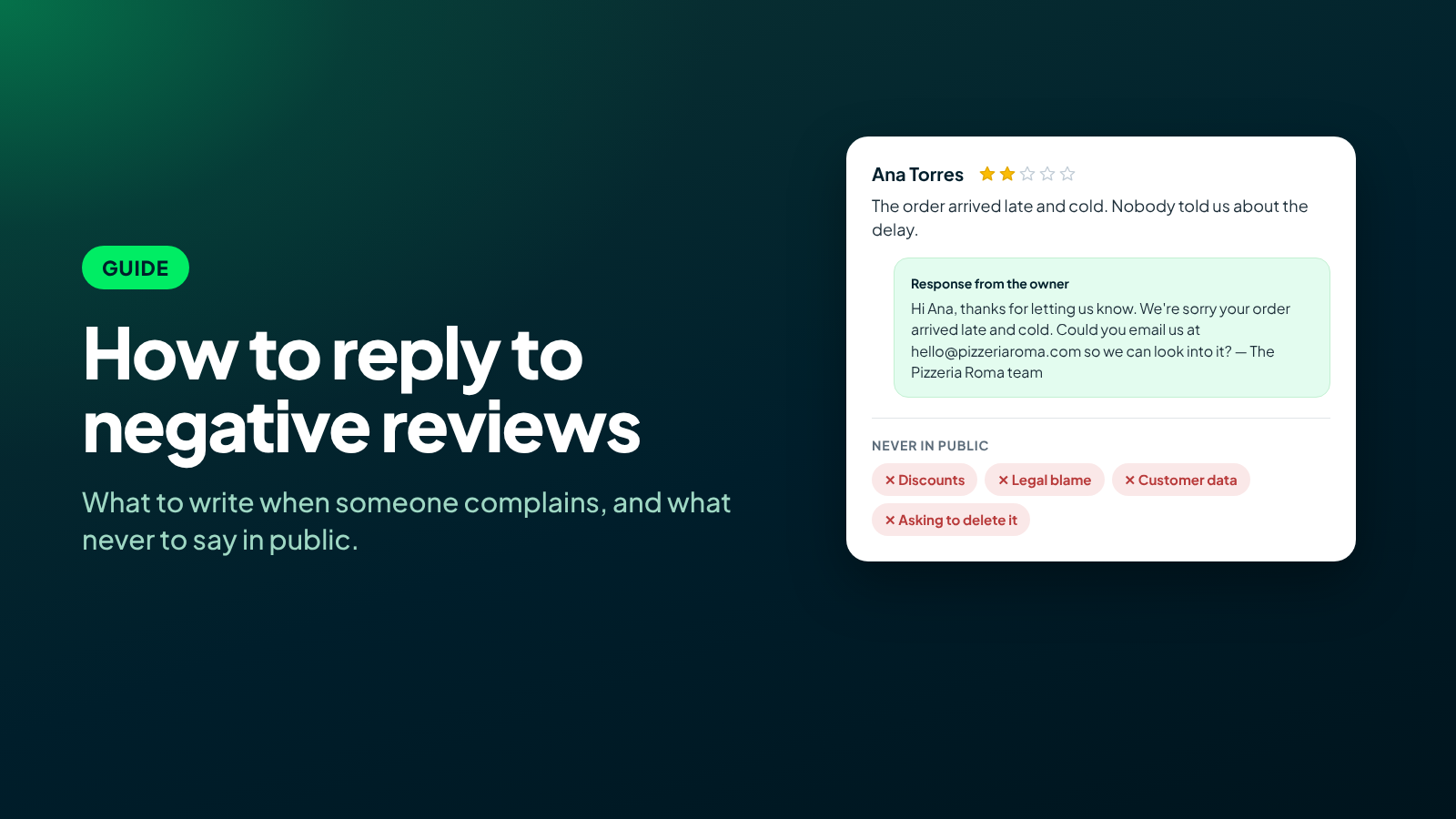
Example: "Hi Ana, thanks for letting us know. We're sorry your order arrived late and cold — that's not the experience we want for you. Could you email us at hello@yourrestaurant.com with your order number so we can look into it? — The Pizzeria Roma team"
What never to say in public
- Don't offer discounts or refunds in the reply. It can go against Google's policies, and it invites others to post negative reviews to get the same. If compensation is due, handle it privately.
- Don't admit legal liability ("it was our fault you got sick"). If a review mentions health, safety or a legal issue, have a person review it before replying.
- Don't reveal customer data or purchase or visit details they did not write themselves.
- Don't ask them to change or delete the review. Google prohibits asking for reviews to be changed, and you cannot offer anything in exchange for one.
- Don't argue or be sarcastic. Even if the review is unfair, others will read your reply.
- Don't paste the same reply under every review.
And positive reviews
Reply to those too, but differently: thank them, mention something they highlighted and that is it. Don't apologize or invite someone who only came to praise you to write privately.
When to use AI to reply
An AI tool can draft good replies fast, as long as it has clear limits. Before using one, check that it:
- Follows fixed rules about what it cannot promise in public.
- Lets you approve replies, or only auto-publishes the ones that meet conditions you set (for example, 4 stars or more).
- Sends sensitive reviews to a person: health, legal matters, words you flag.
- Replies in the review's language and in your brand's voice.
That is how the ChatNorris Google Reviews channel works: the agent drafts every reply within those rules, and you decide how much control you want.
Connect your Google locations and review every draft before publishing, or let the ones that meet your rules publish on their own.
Start for freeIn short
Reply quickly, be specific, take problems private and never promise in public what should be solved in private. A good reply to a bad review speaks to every customer who comes after.