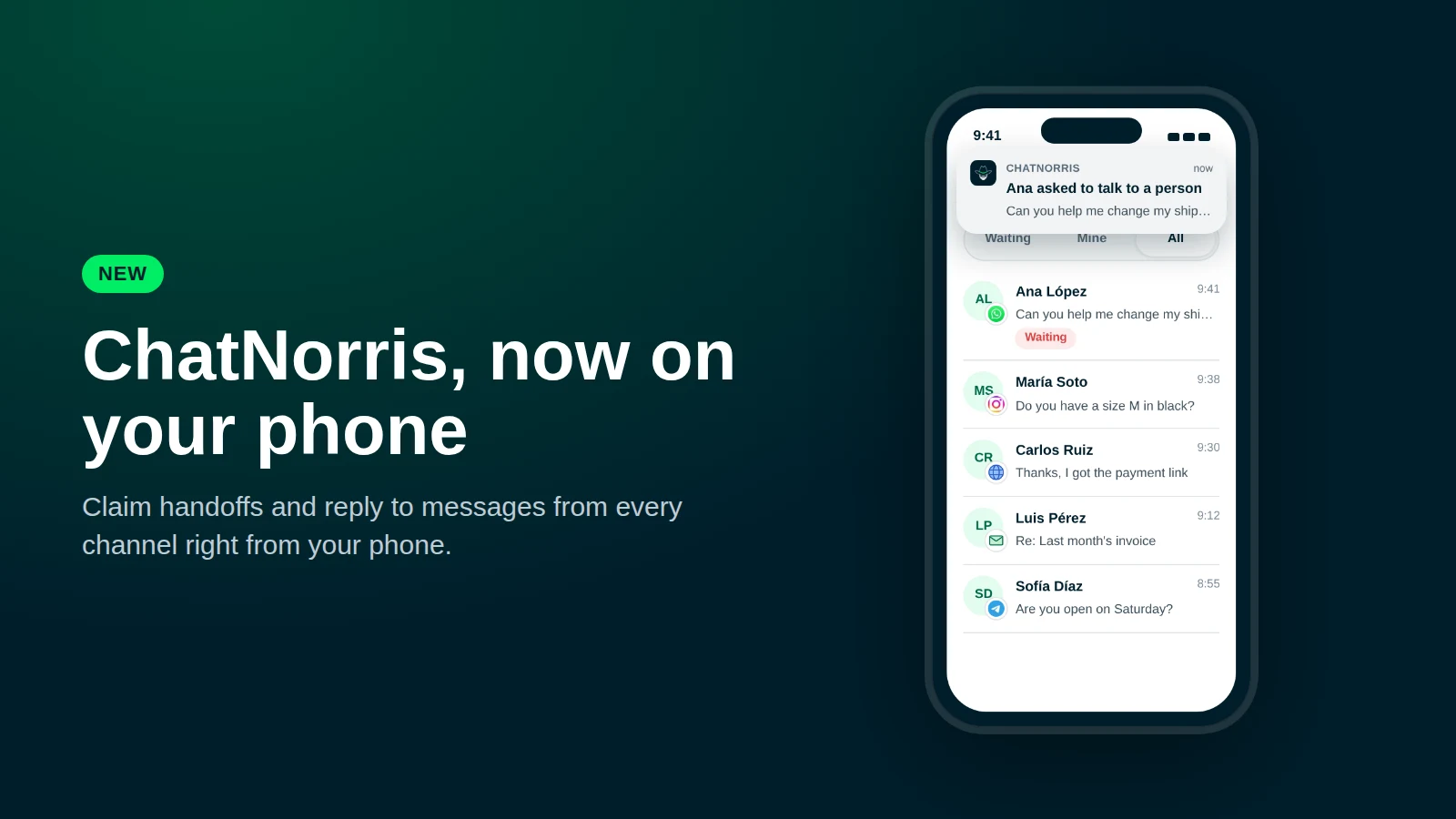
Your ChatNorris agent handles most conversations on its own. But there are moments when a customer needs a person: they want to change a delivery address, negotiate a price or sort out something that takes human judgment. Until now, finding out depended on being at your computer with the dashboard open. Starting today, ChatNorris also lives on your phone.
What's new
- ChatNorris on your phone's home screen, with its own icon, opening full screen like any other app.
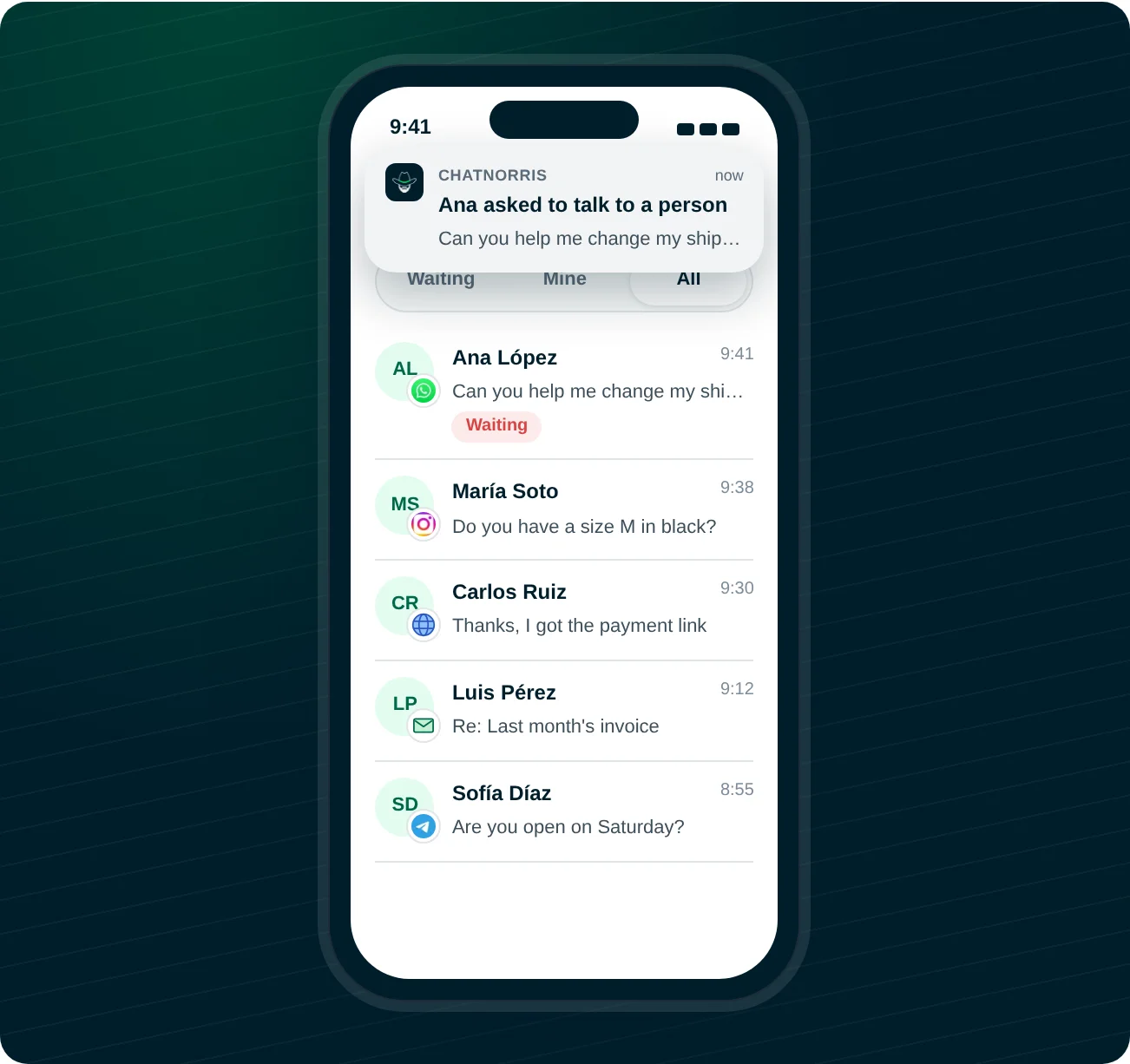
- Instant notifications when a customer asks to talk to a person, and every time they write in a conversation your team is already handling.
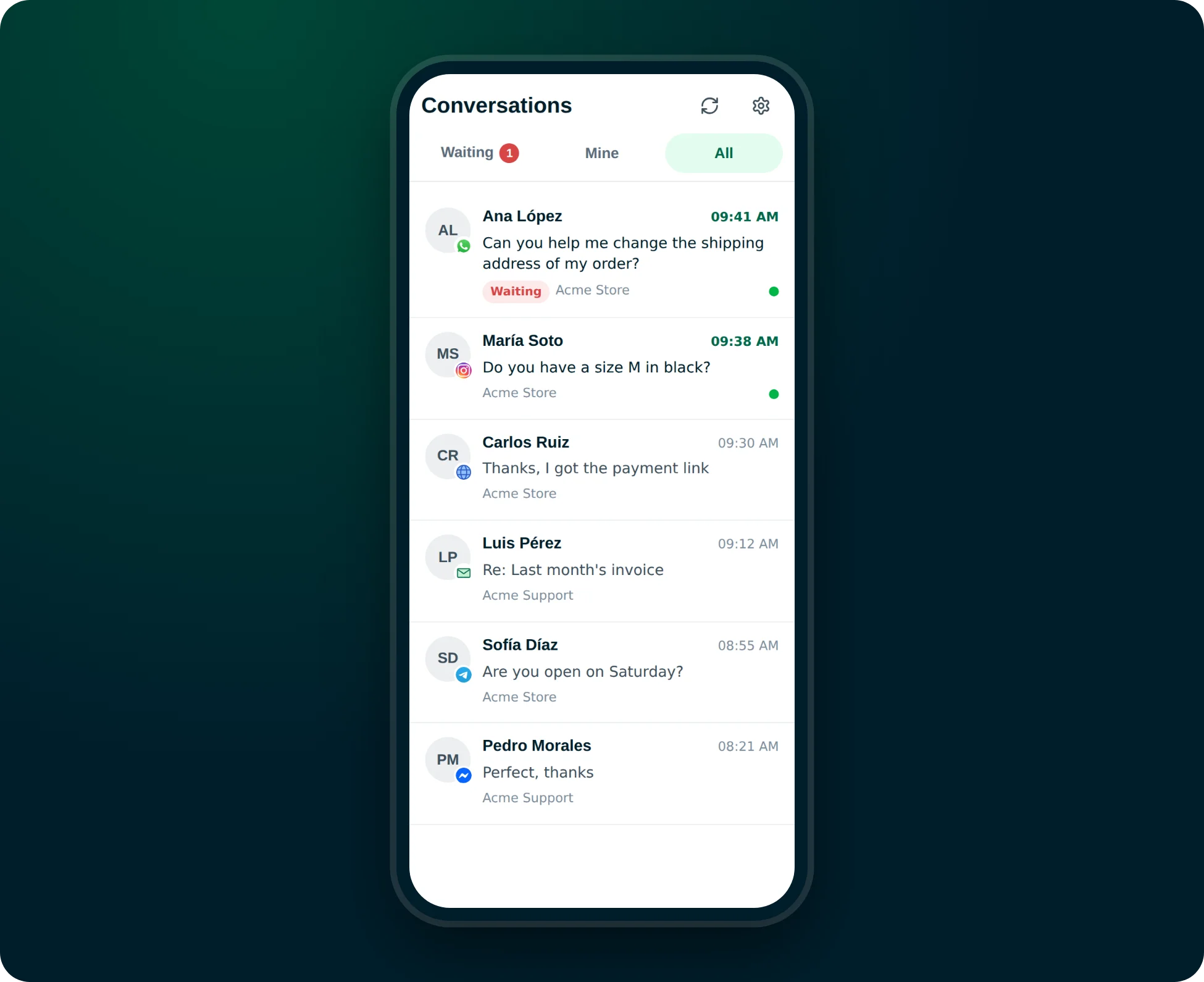
- An inbox built for the phone, with messages from every channel in one place: WhatsApp, Instagram, your website chat, Email, Telegram and Messenger.
- Claim, reply to and close conversations from your phone, with the handoff summary at hand so you don't have to read the whole history.
Every channel in one inbox
It doesn't matter where customers write from. The inbox shows each conversation with its channel icon, the latest message and the agent handling it. It has three tabs:
- Waiting: customers who asked for a person and nobody has claimed yet. This is the tab that opens first.
- Mine: conversations you've already claimed.
- All: everything else, to review any recent conversation.
Claim a conversation and reply
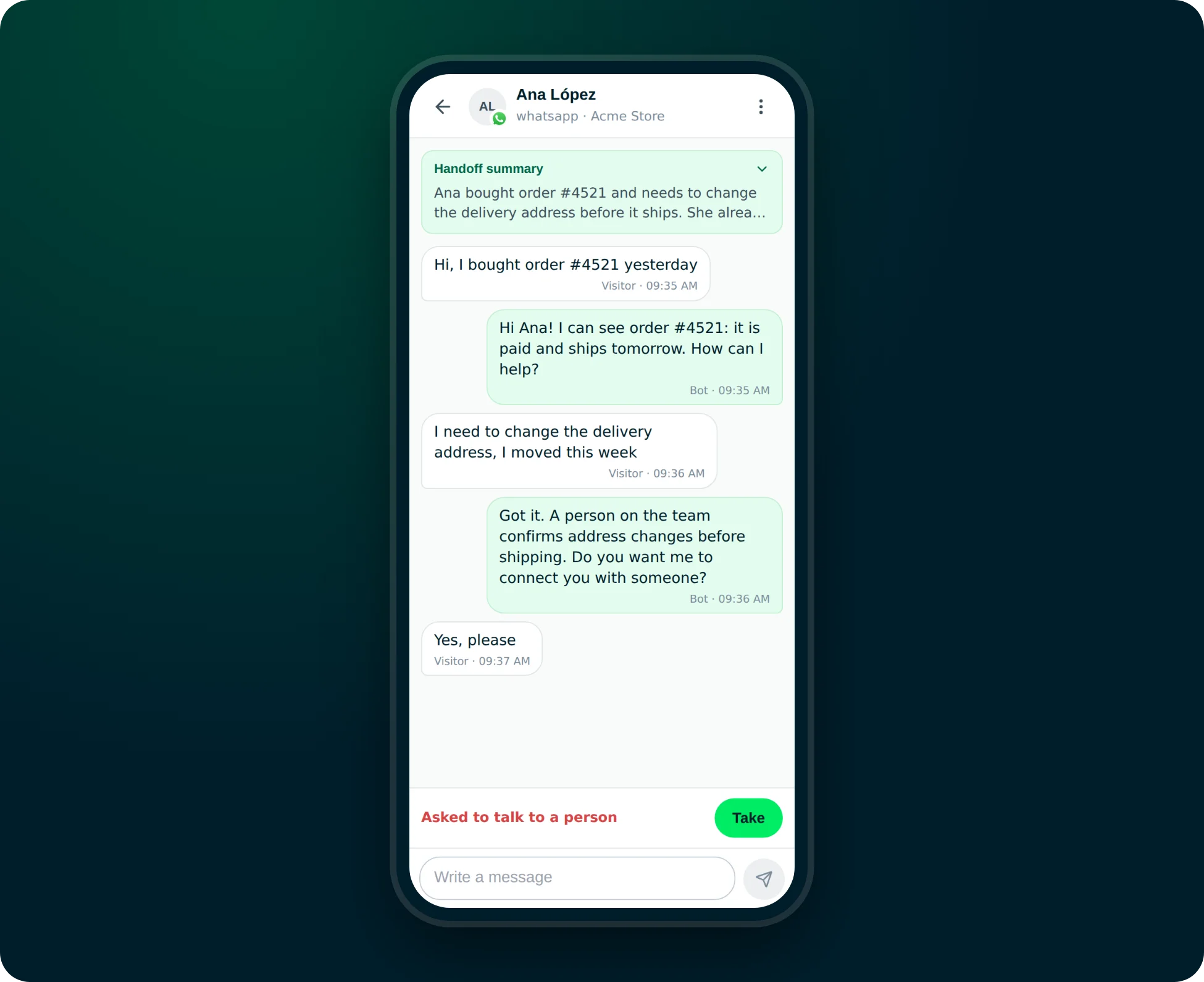
When you open a conversation you first see the handoff summary: what the customer needs and what details they already confirmed, so you don't start from scratch. Tap Take, the conversation is assigned to you and you reply from the same phone. Your reply reaches the customer on the channel they wrote from: if it was WhatsApp, they get it on WhatsApp.
When you're done, close the conversation from the menu. For everything else, like setting up agents, reviewing analytics or connecting channels, you keep using the dashboard on your computer. The phone version is built for one job: making sure no customer who asks for a person is left waiting.
How to install it
There's nothing to download from the App Store or Google Play: ChatNorris installs from the browser in about a minute. Each person on the team does it on their own phone.
On iPhone (iOS 16.4 or later):
- Open Safari and go to app.chatnorris.ai with your account.
- Tap Share, then Add to Home Screen.
- Open ChatNorris from the new icon and tap Turn on notifications.
On Android:
- Open Chrome and go to app.chatnorris.ai with your account.
- Open the menu and choose Install app or Add to Home screen.
- Open ChatNorris from the icon and tap Turn on notifications.
If alerts don't arrive, check in your phone settings that ChatNorris is allowed to send notifications.
Included in every plan
Mobile access is available on Free, Standard and Premium at no extra cost. See the details on our pricing page.
Create your agent, connect your channels and install ChatNorris on your phone to claim handoffs wherever you are.
Get started freeIn short
Your agent still resolves most questions on its own. When a customer needs a person, you now find out instantly on your phone and reply from there, on the same channel they wrote from. If you haven't connected your channels yet, see how to add the Email channel or the rest of our integrations.