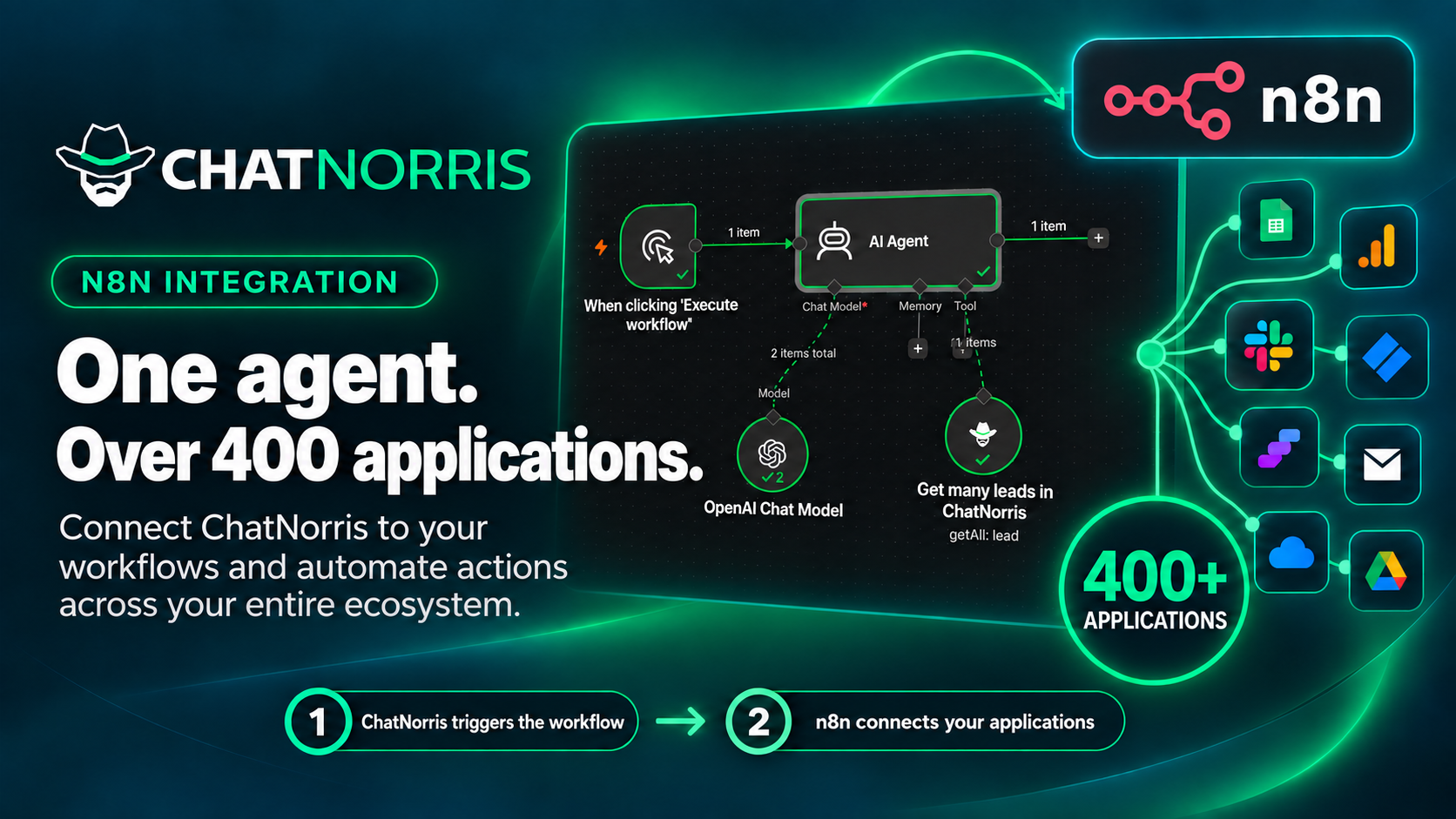
Your ChatNorris agent talks to your customers on the web, WhatsApp, Instagram, Telegram, Messenger, and email. What happens after that conversation (adding the lead to the CRM, telling the team, updating a spreadsheet) is often still manual work. Starting today, n8n takes care of it: the ChatNorris node has been verified and approved by n8n, and you can install it straight from the nodes panel, including on n8n Cloud.
What n8n is and why it matters
n8n is a workflow automation platform with more than 400 integrations: CRMs, spreadsheets, team chat tools, databases, email, and almost any service with an API. You build a workflow by connecting nodes on a visual canvas, without coding.
With the ChatNorris node, your agents become one more piece of those workflows. Whatever your agent captures in a conversation can reach any tool you use, and any tool can talk to your agent.
What you can do with the node
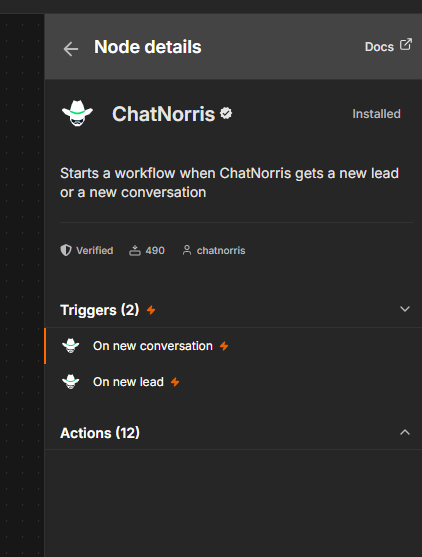
The node covers almost the entire ChatNorris public API:
- "New Lead" trigger: starts a workflow every time your agent captures a new lead, with name, email, phone, channel, company, job title, and your form's custom fields.
- "New Conversation" trigger: starts a workflow every time a new conversation begins.
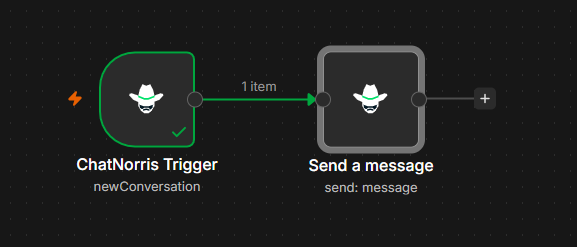
- Send a message to your agent and get its reply, so it can answer from any channel n8n can read.
- Look up conversations, messages, and leads, filtered by agent, status, and date.
- Manage the knowledge base: add a URL, a text, or an FAQ, delete sources, and resync them.
The triggers don't miss anything between polls: they go through every new result since the last checkpoint and deliver them in order, oldest to newest.
Three examples to get started
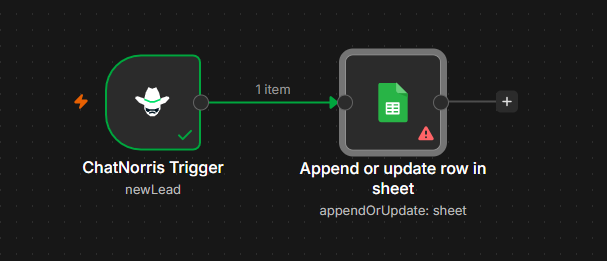
1. New lead → CRM, Slack, or spreadsheet. Every lead your agent captures lands in your CRM, a Slack channel, or a Google Sheets row as soon as it's confirmed. Sales finds out right away, with nothing copied by hand.
2. Your agent answers from another channel. A message that comes in through a form, a webhook, or an internal tool is sent to your ChatNorris agent, and its reply goes back the same way. The agent uses the same knowledge base and tone as on your website.
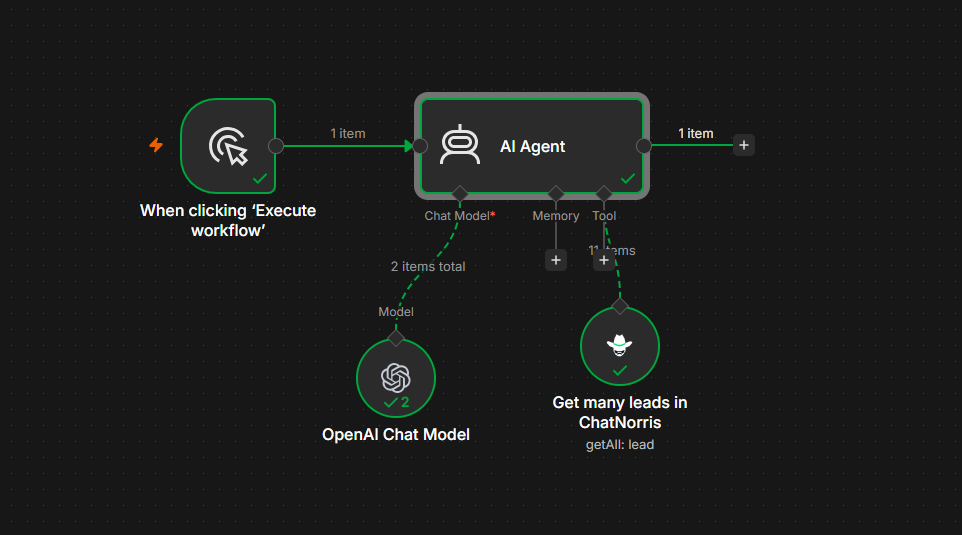
3. An n8n AI agent that looks up your leads. The ChatNorris node can be used as a tool for an n8n AI agent. For example, an internal assistant that answers "how many leads came in through WhatsApp today?" by checking your real data in ChatNorris.
How to install it
On n8n Cloud or an up-to-date self-hosted instance: open the nodes panel, search for ChatNorris, and install it. Since it's a verified node, it installs in one click.
On a self-hosted instance: you can also install it from Settings → Community Nodes → Install with the package name n8n-nodes-chatnorris.
Then create the credential:
- In ChatNorris, go to Settings → API Keys and create an API key with the permissions you'll use (read leads, read conversations, send messages, and so on).
- In n8n, create a ChatNorris API credential and paste the key.
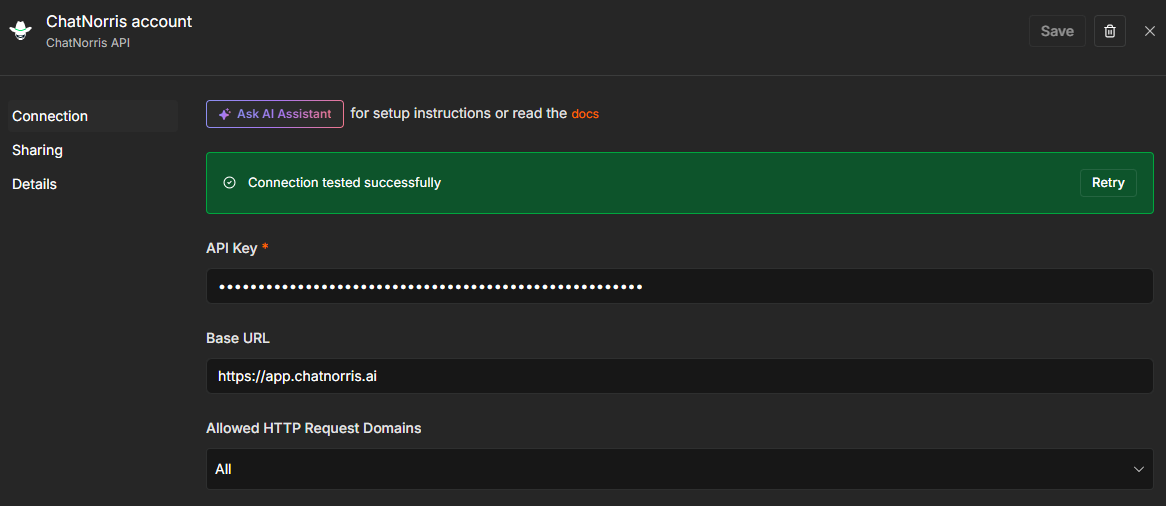
The full guide, with every operation and the permissions each one needs, is in the ChatNorris n8n documentation. The node is open source and available on GitHub.
Availability and plans
The node uses the ChatNorris public API, included in the Standard and Premium plans. n8n has its own cost depending on your n8n plan (or it's free if you self-host it). You can see the details of each ChatNorris plan on our pricing page.
Create an API key, install the verified ChatNorris node in n8n, and build your first workflow in minutes.
Start freeIn short
With the verified n8n node, what happens in your agent's conversations no longer stays in ChatNorris: it reaches your CRM, your team, and any tool you use, and your n8n workflows can talk to your agent too. If you'd rather keep a couple of automations simple, we also have a Zapier app. You can see the rest of our integrations or start free.