Searching for the “best AI chatbot for WhatsApp” can lead you to compare products that do different jobs. Some platforms are built for campaigns and templates, others coordinate teams in a shared inbox, and others turn company content into automated answers.
The right tool depends on your operation. A clinic confirming thousands of appointments needs something different from a company that wants the same knowledge to answer service questions on its website and WhatsApp.
Three categories to separate
- High-volume WhatsApp platforms and team inboxes: emphasize operators, templates, traceability, and campaigns. Wati and Respond.io fit here.
- Marketing automation: uses flows, keywords, and sequences to acquire and nurture contacts. ManyChat is the best-known example.
- Knowledge-based agents: learn from a website, documents, or help center and answer open-ended questions. Chatling and ChatNorris are closer to this model.
What to evaluate
- Does the connection use WhatsApp Business Platform and an official Meta flow?
- Do you need outbound campaigns or inbound customer service?
- Can AI use your content, or does it depend on predefined flows?
- Is context preserved when a person takes over?
- Does pricing depend on seats, contacts, conversations, or credits?
Five WhatsApp Business options
1. Wati — for WhatsApp-centered operations
Wati offers templates, team tools, and automations for organizations that concentrate their operation on WhatsApp. It is a strong candidate when you need the capabilities of a specialized WhatsApp platform.
Best for: retailers, clinics, and teams with significant template and conversation volume.
2. Respond.io — for a multichannel B2C inbox
Respond.io brings WhatsApp, Instagram, Messenger, and other channels together with workflows, campaigns, and team management. Its strength is messaging operations at scale—not the simplicity of training an agent in minutes.
Best for: brands with several operators, multiple channels, and frequent campaigns.
3. ManyChat — for acquisition from comments and messages
ManyChat excels at marketing automation: comments that trigger messages, sequences, and contact follow-up. If the goal is support grounded in documents, see our guide to ManyChat alternatives.
Best for: marketing teams that turn social interactions into leads.
4. Chatling — for a web agent that also reaches messaging
Chatling lets teams train agents on their own content and offers multiple models and visual tools. It is a valid option when the widget is the primary channel and WhatsApp is part of a broader agent strategy. Read ChatNorris vs Chatling.
5. ChatNorris — for the same agent on web and WhatsApp
ChatNorris trains an agent on websites, documents, FAQs, and integrations. WhatsApp is included from Standard and connects through Embedded Signup under ChatNorris's Meta Tech Provider flow, without asking customers to copy developer tokens.
- The same knowledge base on web and WhatsApp
- Official onboarding flow for each business
- Human handoff and a conversation inbox
- Not a mass-campaign platform
- Instagram and Messenger require Premium
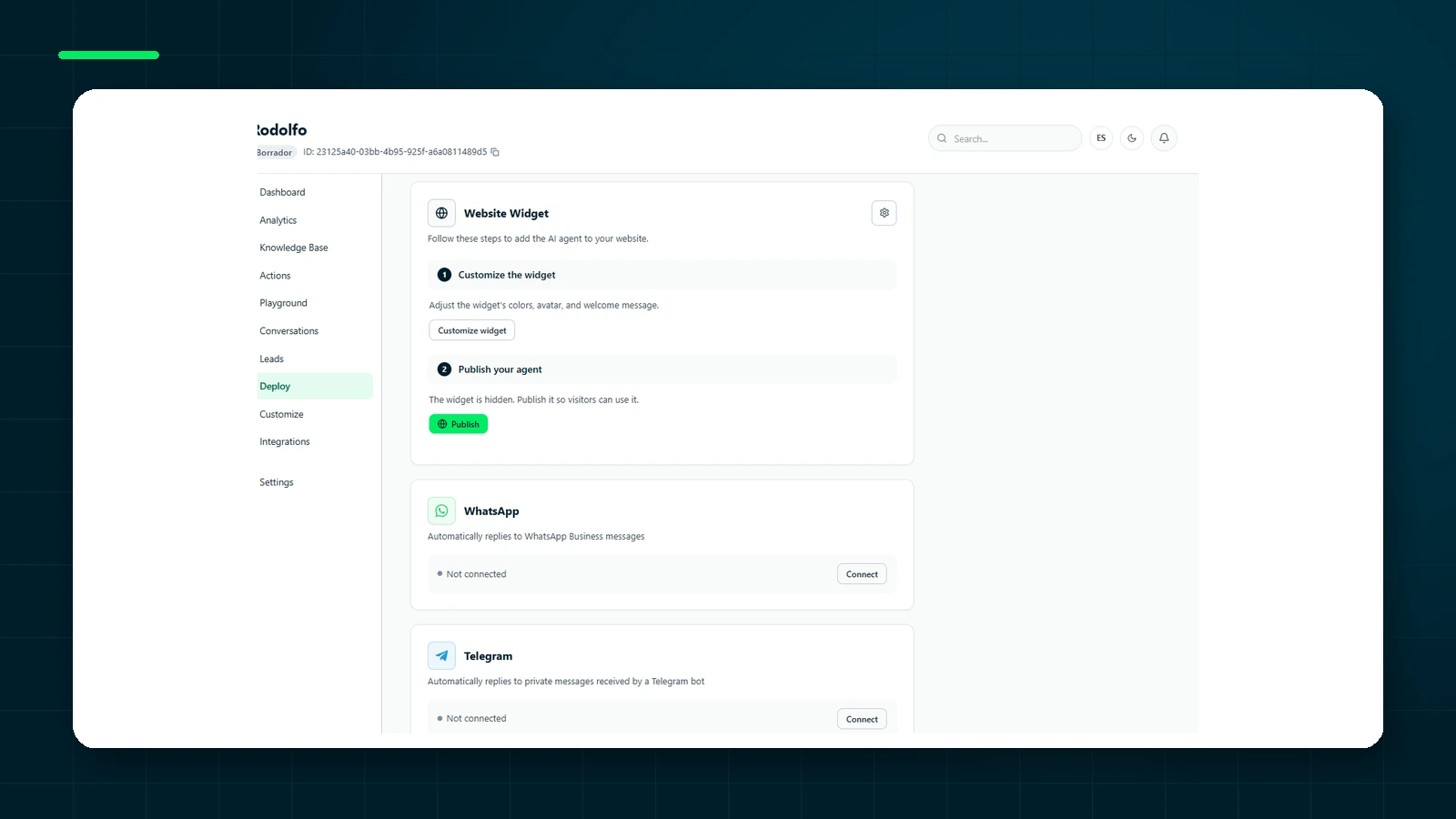
Train your agent for free, then connect WhatsApp when you are ready to support customers from one place.
Get started freeWhy the WhatsApp connection matters as much as the AI
A demo can make every chatbot look similar: a user asks a question and receives a convincing answer. In production, the challenge begins before the model responds. The number must be connected correctly to WhatsApp Business Platform, the business needs the right account permissions, and messages must comply with Meta's policies.
There are several ways to handle that process. A specialized provider may manage much of the infrastructure. A technology platform may offer Embedded Signup so each business connects its own account. Manual setups can also require a developer application, tokens, and webhooks. The manual route can work, but it increases technical dependency and makes the connection harder for a non-technical team to maintain.
Ask who owns the number, what happens if you change platforms, and how permissions are renewed. The goal is not simply to make WhatsApp work today. The business should retain control of the asset and avoid depending on credentials copied by someone who may no longer be on the team.
Conversational AI versus predefined flows
Flows work well when a conversation can be predicted: book an appointment, select a branch, check an order, or accept a policy. Their advantage is control. Every option, validation, and outcome is defined in advance.
An AI agent is more useful when questions vary: “Is this service suitable for my case?”, “What is the difference between these plans?”, or “Can I return an opened product?” Instead of forcing the customer through a menu, the agent interprets the question and retrieves relevant information. That flexibility requires reliable content, testing, and clear rules for what the agent must not answer.
Many operations benefit from combining both approaches. A flow gathers structured data or consent; the agent explains and answers; a person handles exceptions. When evaluating platforms, check whether those three layers can coexist without breaking the conversation into separate systems.
Prepare the knowledge before connecting the number
Do not start with WhatsApp. First organize the sources that cover recurring questions: services, coverage, hours, policies, delivery times, and escalation criteria. Remove contradictions and identify information that changes frequently.
Then test the agent with real conversations and difficult questions. Include typos, incomplete messages, and requests outside its scope. Confirm that it knows when to stop and does not invent commercial terms. Only then connect the channel. This sequence reduces the risk of exposing every customer to an untested configuration.
Design the handoff as well. Define human-support hours, owners, expected response time, and the message shown to the customer. A “talk to a person” button is not a process if nobody receives the alert or the AI continues answering at the same time.
Estimate total cost, not just the plan
Software price is only one component. WhatsApp may apply charges based on conversation category and message type, while platforms may add seats, contacts, automations, or AI usage. Estimate how many conversations will be inbound, how many require outbound templates, and what share the agent can reasonably resolve.
Do not multiply a promotional price by twelve and call it an annual budget. Include growth, seasonal peaks, staff time, and integration maintenance. A cheap tool that requires people to copy information between systems can cost more than a higher plan that simplifies the operation.
Verdict
| Need | Standout option |
|---|---|
| Specialized WhatsApp operations | Wati |
| Team inbox, campaigns, and many channels | Respond.io |
| Acquisition from comments and messages | ManyChat |
| An agent initially focused on the widget | Chatling |
| One agent for web and WhatsApp with official onboarding | ChatNorris |
There is no single winner for WhatsApp Business. The best choice is the one aligned with the primary job: acquisition, team coordination, or knowledge-based resolution.
Frequently asked questions
Can I use the same number as the WhatsApp Business app?
It depends on the connection method and Meta's current capabilities. Some configurations support coexistence; others require moving the number to the platform. Confirm this before onboarding and back up relevant information.
Can an AI agent send campaigns?
Answering customer questions and running campaigns are different capabilities. Campaigns require approved templates, consent, segmentation, and frequency controls. Some platforms cover both; knowledge-agent products often prioritize inbound service.
What should happen when the agent does not know?
It should acknowledge the limit, collect only the information needed, and escalate to a person. During evaluation, ask how that behavior is configured and what context the operator receives.