
Chatling lets teams create a website AI agent, train it on URLs and documents, and start without adopting enterprise software. It is a clear proposition and, for many teams, enough.
Searches for Chatling alternatives usually begin when priorities change: WhatsApp becomes as important as the widget, the team needs a fuller support operation, ecommerce requires specific integrations, or the pricing model no longer fits demand.
No alternative is better in every scenario. This comparison organizes five options by the job each does best.
What to compare
- Actual channels: evaluate where conversations arrive today, not where you hope they will arrive next year.
- Knowledge base: confirm which sources the agent can process, how they stay current, and what happens when an answer is missing.
- AI cost: credits, conversations, and resolutions create different cost curves.
- Human handoff: check whether context follows the conversation and how the team works from the inbox.
- Required integrations: a long catalog matters less than the connection your operation uses every day.
Five Chatling alternatives
1. ChatNorris — for one agent across web and WhatsApp
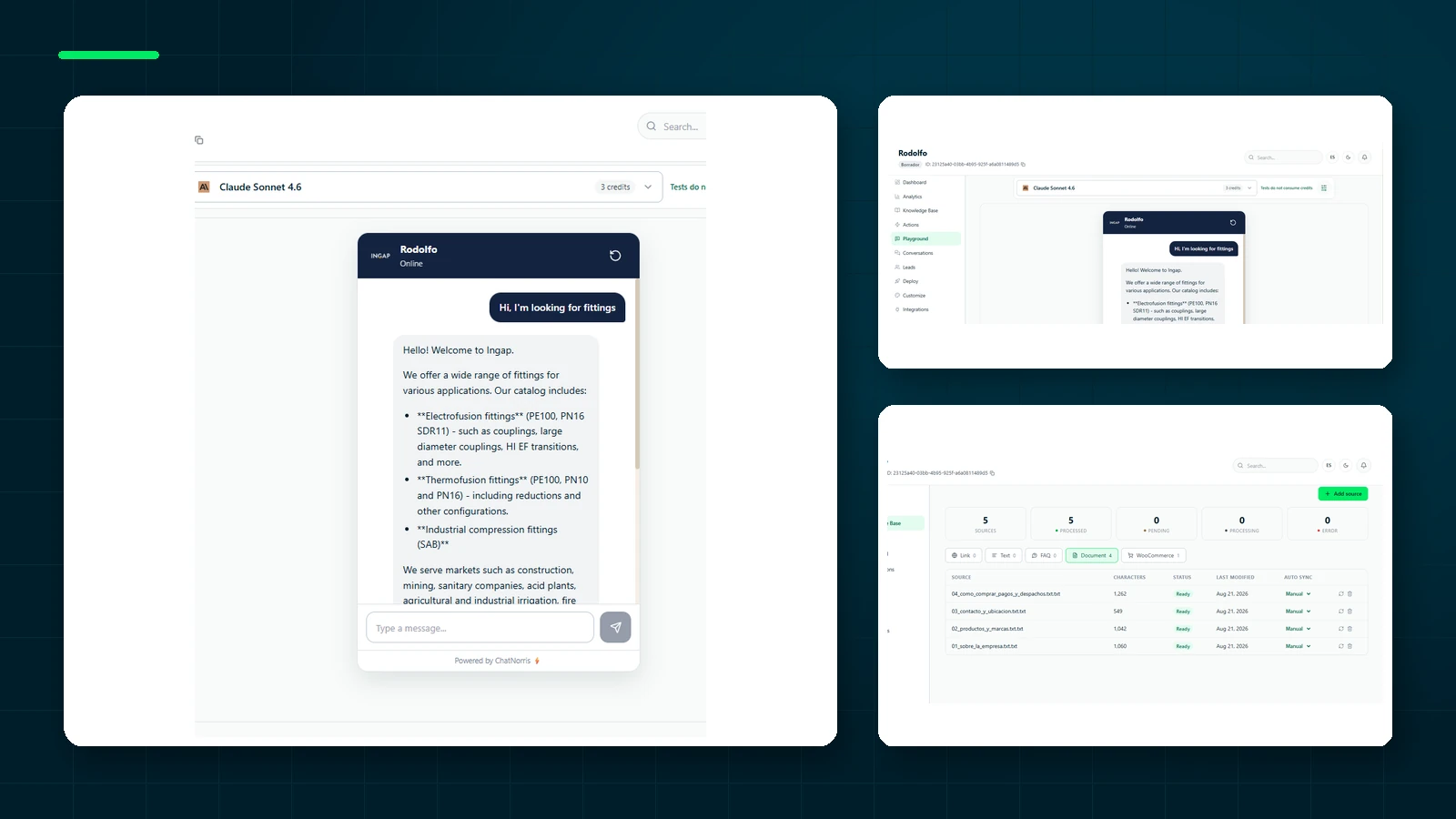
ChatNorris is the closest conceptual alternative: RAG agents, training on company content, monthly credits, and a free plan. The main difference is channel strategy. WhatsApp is available from Standard and connects through Embedded Signup under ChatNorris's Meta Tech Provider flow; Instagram and Messenger are included on Premium.
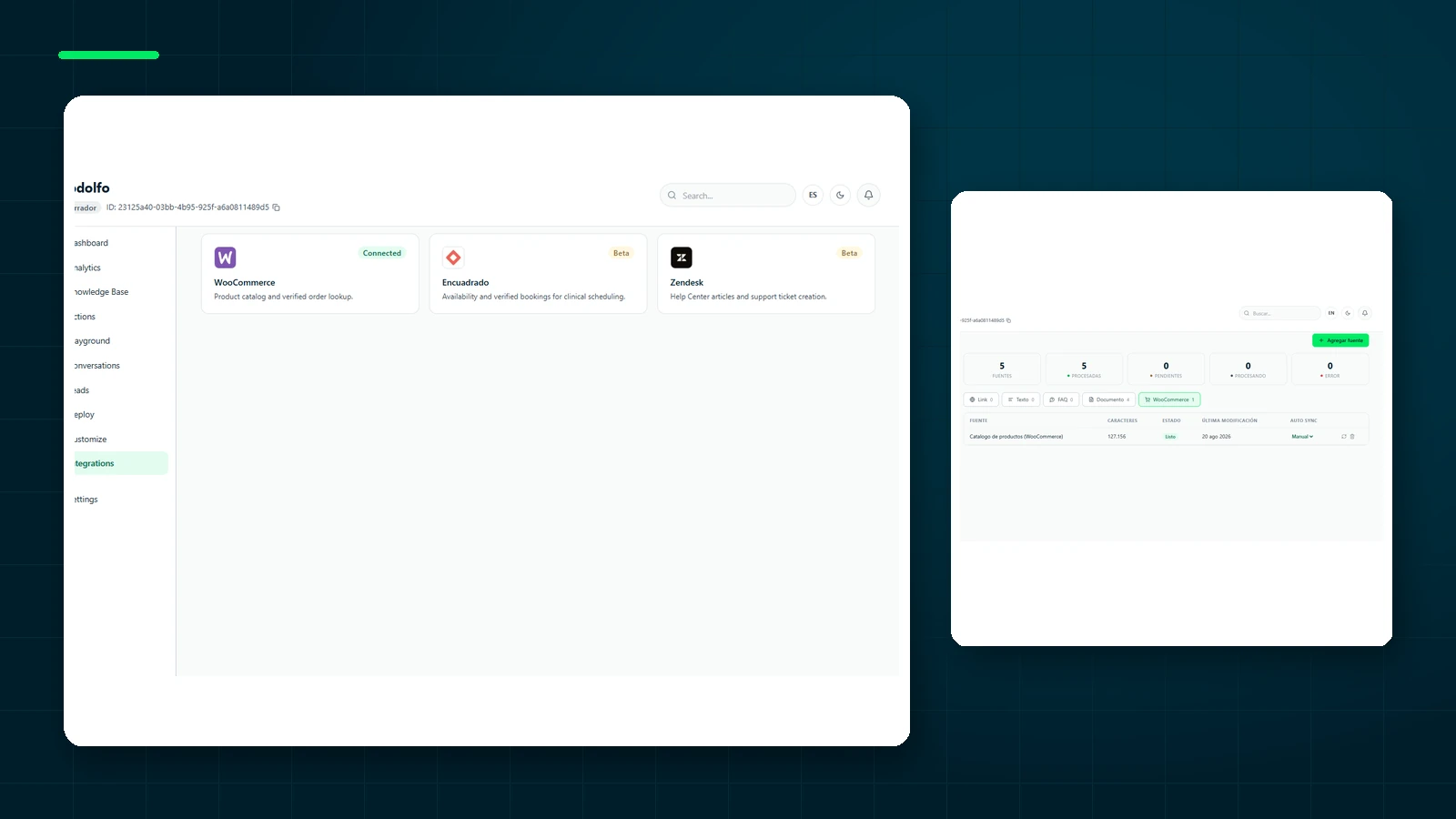
The agent can also use WooCommerce and Zendesk through the integrations hub, along with documents, webpages, and FAQs.
- One agent and knowledge base across web and messaging
- Official WhatsApp onboarding for each business
- English and Spanish product experience, content, and support
- Smaller integration catalog than Chatling
- Instagram and Messenger require Premium
- Shorter public track record
Best for: Latin American or bilingual teams that want web and WhatsApp support without maintaining two bots.
Create an agent for free, review its answers, and connect WhatsApp when you need it.
Get started freeDo not migrate for one isolated feature
Comparison pages turn every capability into a checkbox, but not every checkbox carries the same weight. A catalog of thirty models is irrelevant if the team will use one. Ten integrations do not compensate for the missing CRM you actually need. An extra channel creates no value if nobody owns its operation.
Before switching, write down three outcomes you expect. Examples might include reducing repeated website questions, using the same knowledge on WhatsApp, and shortening the onboarding time for human agents. Assign a metric to each outcome. This prevents a migration driven by an attractive new feature that does not solve the original problem.
Separate current capabilities from promises as well. If an integration is marked “coming soon” or a feature is in beta, do not make it a foundation of the project. Evaluate the product available today and ask what happens if a capability changes during the contract.
How to run a comparable test
A fair evaluation uses the same sources and questions. Load a limited content set into both platforms: one product page, one policy, one detailed document, and a set of FAQs. Configure equivalent instructions and choose models with similar capabilities.
Prepare thirty to fifty real questions. Include direct requests, messages with errors, questions combining topics, and requests whose answer is absent from the sources. The final category is essential: a strong agent does not only answer; it recognizes when it should abstain.
Evaluate accuracy, clarity, source traceability, latency, consumption, and escalation decisions. Do not select only the answer that “sounds better.” Fluent writing can hide invented information. Repeat the test after updating a source to see how quickly each platform reflects the change.
The real cost of migration
Moving source files is usually straightforward. The work lies in rebuilding instructions, customization, allowed domains, actions, channels, and handoff rules. The team must also learn the new workflow and retest critical conversations.
Estimate those hours alongside plan price. A slightly cheaper alternative can become expensive if it requires two tools or rebuilt integrations. Paying more may make sense if it removes a separate WhatsApp bot or reduces manual work.
Plan a short overlap rather than an instant switch. Test the new agent with controlled traffic, compare results, and keep a rollback path. Once quality and operations are stable, move the remaining traffic and revoke credentials from the previous provider.
2. Tidio — for live chat and ecommerce
Tidio combines human operators, automations, and its Lyro agent, with established Shopify and WooCommerce integrations. It is a stronger choice when the priority is talking to shoppers inside the website. See Tidio alternatives for its AI tradeoffs.
3. Intercom Fin — for a complete support suite
Intercom adds Fin to a platform with inboxes, help-center content, routing, reporting, and in-product messaging. It makes sense for teams with mature support processes, but may be more platform than a small company needs. Read ChatNorris vs Intercom Fin.
4. Crisp — for an affordable shared inbox
Crisp stands out when people will answer most conversations and need chat and email in one place. Its center of gravity is team collaboration rather than an autonomous agent as the product. See Crisp alternatives.
5. Chatbase — for a straightforward document bot
Chatbase is a direct option if you only want to upload content, embed a widget, and answer website questions. Its narrower scope simplifies setup, although messaging channels and human operations may require additional tools later.
Which one should you choose?
Stay with Chatling if its widget, model catalog, and integrations already cover your case. Choose Tidio for ecommerce live chat, Intercom for a broad support operation, Crisp for a simple human inbox, and ChatNorris when the same agent should serve web and WhatsApp with a bilingual experience.
The right alternative is not the one with the longest feature list. It is the one that removes duplicate tools from the channels your customers already use.
Frequently asked questions
Can I reuse my Chatling training directly?
The original sources—URLs, documents, and FAQs—can be reused. Indexing, instructions, and behavior must be configured and tested again in the destination platform.
Which option is better for a Spanish-speaking team?
A model's ability to answer in Spanish is different from having a dashboard, documentation, and support in that language. Evaluate the full operating experience, especially who will help resolve incidents.
How long should a trial last?
Long enough to cover common questions, exceptions, source updates, and human handoff. A small scope may take several focused days; a multichannel operation needs a longer controlled test.