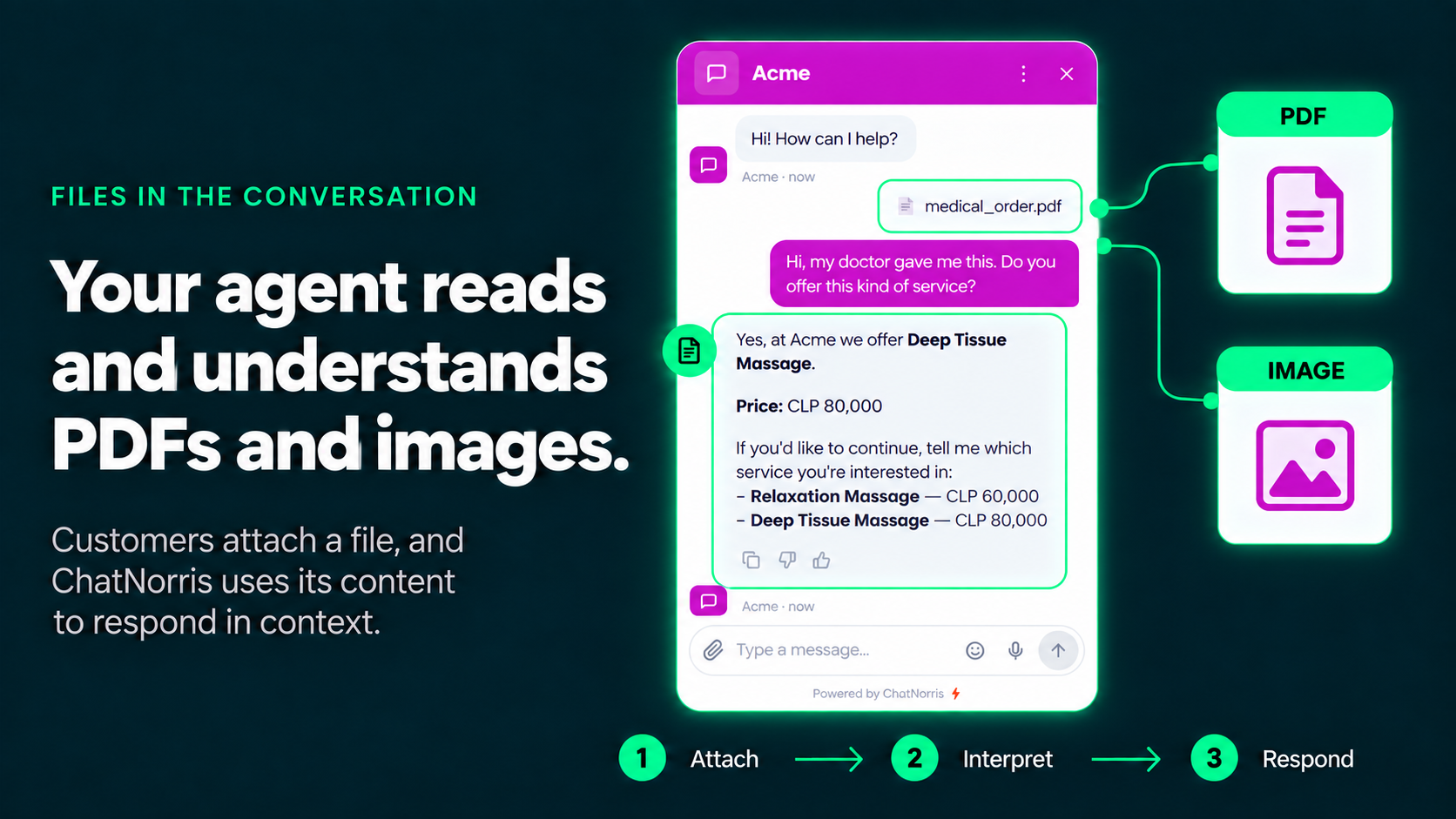
Until now, your ChatNorris agent already understood you whether you typed or spoke to it out loud. What it was missing was the most common way a customer actually explains a problem: by sending a photo or a document, not describing it in words. "Here's the order my doctor gave me," "here's the receipt," "look at this screenshot of the error" — until today, that meant someone on your team had to open the file by hand, read it, and only then reply.
With ChatNorris's new vision capability, your agent can see that photo or read that PDF right inside the conversation — and resolve the request on the spot, without waiting for a human to review it first.
From "tell me what it says" to "show me what it says"
The simplest case, and the most common: a customer sends you the order their doctor gave them and asks if you offer that treatment. Instead of asking them to describe the service in their own words (and risking a misunderstanding), your agent reads the document, matches it against your own service catalog, and replies with the exact name and price — in the same message.
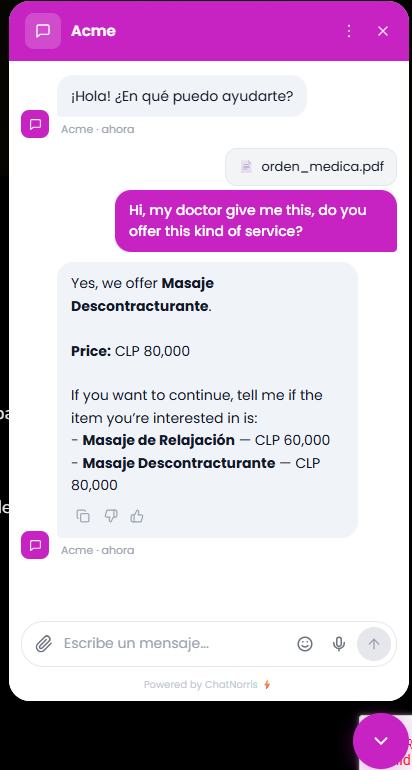
The same applies to a long list of cases where the customer already has the file on hand and it's far more natural to just send it than to type it out: a payment receipt to confirm a purchase, a photo of a product that arrived damaged, a quote another vendor sent them that they want you to match, a screenshot of an error on your site.
What it can interpret
- Images: PNG, JPG, WebP, or GIF, up to 5MB.
- PDF documents: up to 15MB.
The agent can describe an image's content or analyze a PDF's text to reply — and the attachment stays saved on the conversation, so your team can also view or download it afterward from the Conversations module, without having to ask the customer for it again.
It works on every channel your customers already use
This isn't a web-widget-only feature. An image or PDF is processed exactly the same way no matter which channel it arrived on:
- Web widget — available on every plan, including Free.
- Telegram — available on every plan, including Free.
- WhatsApp — available from the Standard plan.
- Email — available on the Premium plan.
- Instagram and Messenger — available from the Standard plan.
- API v2, if you're integrating ChatNorris into your own product.
Your customer doesn't need to know which channel gives the "good" answer — the agent sees the same attachment and replies just as well whether it's WhatsApp, your website, or their inbox.
A capability we confirm, not assume
Not every AI model can interpret images the same way, so ChatNorris doesn't take it for granted: before it's turned on, each model is validated to confirm whether it can actually process visual content. If your agent runs a model without that confirmed capability, it keeps working normally — it simply asks the visitor to describe the file in text instead of risking making up what it "saw."
How to turn it on
The feature is off by default, so you decide when it makes sense for your own flow. To turn it on:
- Open your agent's workspace and go to Customize → Configure.
- Toggle on File attachments.
- Done — no plan restricts it: it's available starting on Free.
Turn on File attachments from Customize and your agent starts interpreting photos and PDFs on the very next conversation — no extra setup required.
Start for freeBottom line
Your ChatNorris agent could already read what you typed and understand what you said out loud. Now it also understands what the customer shows it — a photo, a receipt, a medical order, any PDF — in the widget, on WhatsApp, by email, or on any channel where they're already talking to you. And if your agent already looks up an order's status, this closes the loop: now it can also look at the receipt the customer sends to confirm it. You can check out the rest of our features on Integrations or start for free to turn it on for your own agent.